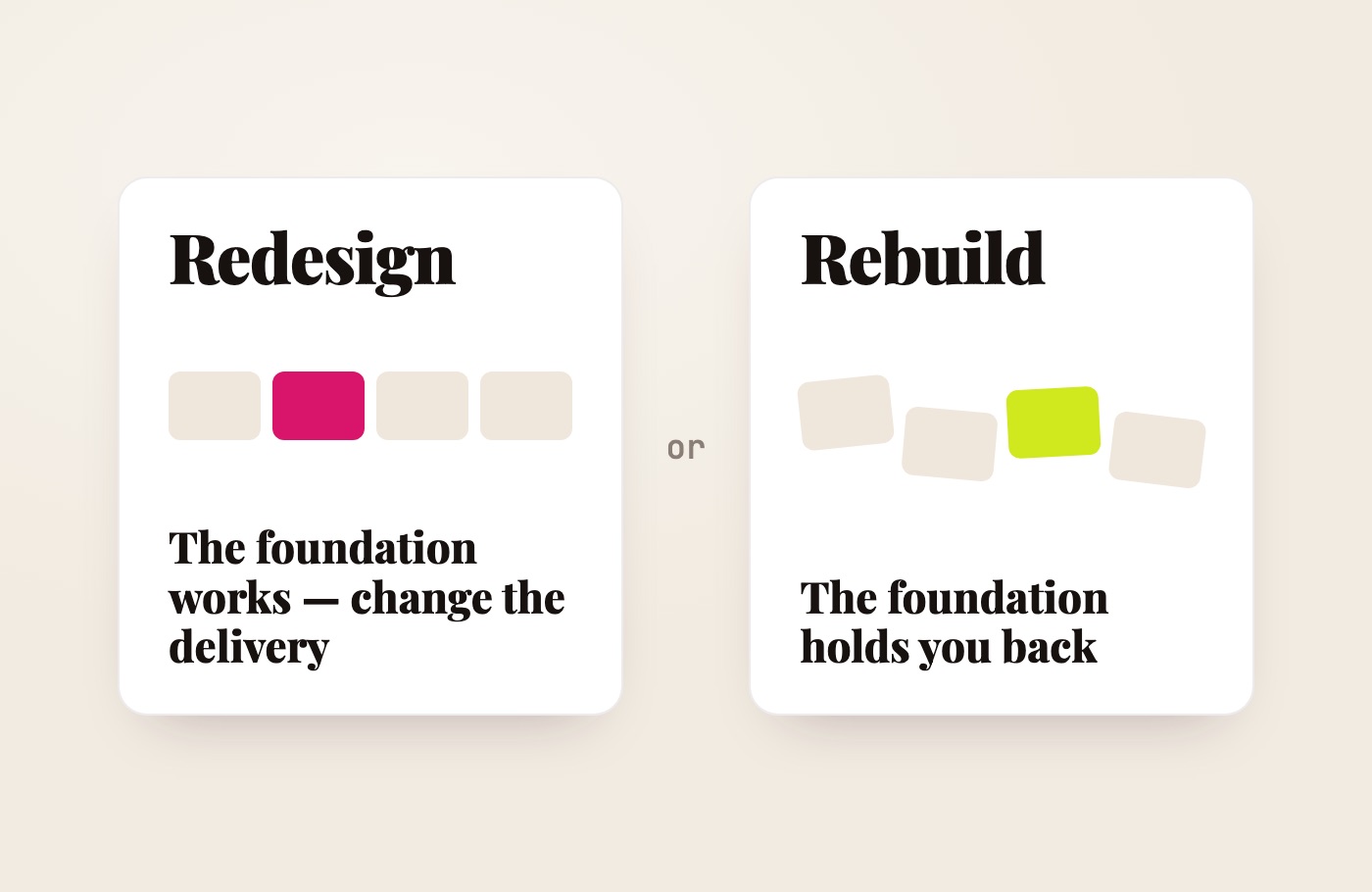
When a website looks dated or stops generating enquiries, the first instinct is often: “We need a new one.” A full rebuild is not always the right answer. A clearer first screen, better copy, improved navigation and a handful of mobile fixes may solve the real problem.
At other times, a visual refresh only disguises the limits of an ageing system. The website looks newer but remains slow, difficult to manage and hard for search engines to understand.
The decision should not begin with colours, animations or a preferred platform. It should begin with a diagnosis: what is no longer working, and which parts of the existing site are still valuable?
What does “website redesign” actually mean?
The term is commonly used for three very different scopes of work.
Visual refresh
Typography, colours, images, spacing and the appearance of sections change, while the structure, copy, URLs and platform remain largely intact.
This can be enough when the site is logically organised, performs well and still supports the business, but its visual identity no longer feels current.
Structural redesign
The offer, navigation, page hierarchy, copy, enquiry journey and mobile experience are reconsidered. The site may stay on the same platform, while useful pages and URLs remain in place.
For many small businesses, this is the most sensible option: change what is confusing potential clients without rebuilding everything around it.
Full rebuild or replatforming
The website is recreated on a different technical foundation, or its architecture changes substantially. Templates, functionality, content management and page addresses may all be affected.
This is no longer a cosmetic redesign. It is a migration, and it needs a migration plan—especially when the existing site already receives organic traffic.
Start with evidence, not aesthetics
“The site feels old” is too vague a reason for an expensive decision. Before choosing a direction, answer five questions.
1. Has the business changed?
If the audience, services or positioning have changed, the existing site may still look respectable while explaining the wrong business. In that case, new page logic and new copy are likely to matter more than a visual update alone.
If the offer is essentially the same, clearer wording and stronger visual hierarchy may be enough.
2. Which pages already have value?
Before deleting, merging or renaming anything, review Google Search Console and your analytics. Identify:
- pages that receive impressions and clicks;
- search queries that already lead people to the site;
- content with external links;
- landing pages that contribute to enquiries;
- URLs already used by customers, directories or other websites.
A visually unimpressive page may still hold search equity or support a useful customer journey. You cannot see that value by looking at the design alone.
3. Can the current platform be fixed efficiently?
A slow website does not automatically need to be moved. Image optimisation, fewer scripts or a better template may be sufficient. A weak homepage can often be restructured without replacing the entire content-management system.
But if every small change requires a workaround, the platform is no longer supported, or essential settings are inaccessible, continued repair can become more expensive than a better foundation.
4. Can a visitor complete the main action?
Open the website on a phone and check:
- can a visitor understand what you do within a few seconds;
- can they find the right service;
- does the form work;
- can they call, message or book easily;
- does a banner cover important content;
- are the text and buttons comfortable to use?
If the problem is limited to a few pages, a targeted redesign may be enough. If the same failure repeats across the site, a deeper rebuild may be justified.
5. Can you manage the website after launch?
A website does not stop changing on launch day. Prices, services, images, team members and articles need updating. If replacing one paragraph always requires a developer, that is a business constraint—not a minor inconvenience.
When a redesign is enough
Keeping the existing foundation is usually sensible when:
- you control the domain, website and essential accounts;
- the platform is supported and can be updated securely;
- important pages are indexed and already receive relevant traffic;
- the URL structure is coherent;
- forms and core functions work reliably;
- the website can be made genuinely usable on mobile;
- the main problems concern messaging, copy, navigation or visual style;
- future requirements can be added without a chain of technical compromises.
The project may then involve an audit, a new information hierarchy, revised copy, redesigned priority pages and an updated visual system. The valuable parts stay in place.
A good redesign does not necessarily mean more animation. It often means less filler, clearer priorities and a shorter route to the next action.
When a rebuild is justified
A new technical foundation is usually worth considering when:
- you do not have proper access to the website or its accounts;
- the platform is obsolete, insecure or no longer supported;
- the site fails regularly;
- the mobile experience cannot be repaired properly;
- the architecture cannot accommodate separate service or language pages;
- important content is delivered in a way that search crawlers cannot reliably access;
- booking, payment or another core function is unreliable;
- routine changes require disproportionate time and cost;
- the business has changed so much that the old structure no longer makes sense;
- repairing the system would cost almost as much as replacing it.
A rebuild does not mean discarding everything. Strong copy, photography, reviews, data, useful URLs and existing search signals may all be worth preserving.
A simple decision table
| Situation | More likely a redesign | More likely a rebuild |
|---|---|---|
| The visual style feels dated | Yes | No |
| The offer is unclear but the platform works | Yes | Not necessarily |
| A few priority pages perform poorly on mobile | Yes | Not necessarily |
| You have no proper access to the system or accounts | No | Yes |
| The platform is no longer supported | No | Yes |
| You need a new service and language architecture | Possibly | Often |
| The site already earns valuable organic traffic | Preserve carefully | Only with a migration plan |
| Core functions fail repeatedly | Sometimes | Often |
| Repairs would cost almost as much as a new build | No | Yes |
This table cannot replace an audit, but it prevents the design alone from making the decision.
How to redesign without discarding SEO value
One of the most common migration mistakes is launching the new site without an inventory of the old URLs. Pages already known to Google disappear or begin returning errors.
When a useful page address can remain unchanged, keep it. When a URL must change, redirect the old address permanently to the closest relevant new page. Sending every removed URL to the homepage is not an adequate substitute for a one-to-one mapping.
For a site move, Google recommends:
- preparing and testing the new site;
- mapping old URLs to their new equivalents;
- configuring redirects;
- updating internal links and the sitemap;
- monitoring both traffic and indexing after launch.
Where possible, avoid changing the domain, CMS, URL structure and all the content at the same time. The more variables change on one day, the harder it becomes to diagnose a problem.
Search engines also need time to recrawl and process the new version. Temporary fluctuations can happen even after a careful migration. No one can guarantee that every ranking will remain unchanged, but a well-planned move substantially reduces avoidable technical losses.
What to check before and after launch
Before launch
- save current Search Console and analytics data;
- export the existing URL list;
- identify pages with traffic, links and conversions;
- review titles, descriptions, headings and main copy;
- prepare a redirect map;
- test forms, phone links, email and booking;
- verify language versions and
hreflang; - ensure the staging site is not being indexed.
After launch
- confirm that search crawlers can access the live site;
- test status codes and redirects;
- submit the current sitemap;
- inspect priority URLs in Search Console;
- retest forms and analytics events;
- monitor errors, traffic and search queries;
- review mobile speed, responsiveness and layout stability.
Google’s Core Web Vitals measure real-world loading performance, responsiveness and visual stability. Good scores matter, but a perfect technical test cannot rescue an offer that nobody understands. Technical quality and message clarity need to work together.
What does a website redesign cost?
The answer depends on what “redesign” means in the proposal.
- A visual update to a handful of sections will usually cost less than a new website.
- A structural redesign with new positioning and copy may involve as much work as building a small site from scratch.
- Replatforming while preserving URLs, content, tracking and search visibility is a substantial technical project.
A reliable quote therefore comes after an audit. First decide what stays, what changes and which risks need to be managed. Then define the pages, stages, revision rounds, migration work and post-launch checks.
Indicative budgets for different website formats are covered separately in “How much does a small-business website cost in Italy?”.
How I assess an existing website
At Alpine Web Studio, I do not begin with the assumption that every client needs a new website.
I first look at:
- how clearly the offer is expressed;
- how the pages and enquiry journey are organised;
- which content already receives traffic;
- what is worth preserving;
- whether the current platform can support the task;
- which functions and languages the business may need next.
I then recommend one of three routes: targeted improvements, a structural redesign, or a full rebuild with a migration plan. This avoids charging for a new website when a smaller, well-chosen set of changes would do the job.
Conclusion
A redesign is appropriate when the foundation works but the presentation no longer supports the business. A rebuild is justified when the platform, architecture or access rights prevent progress and turn every improvement into an expensive workaround.
The useful principle is simple: do not throw away what already has value, and do not preserve what keeps creating problems.
If the right scope is not obvious, begin with an audit. It should tell you whether a few priority pages need attention or whether the project genuinely needs a new foundation.