Leads are rarely lost because a business lacks another chatbot. More often, someone reads a message but does not record it, plans to answer later, misses a form notification or fails to assign a next step after the first conversation.
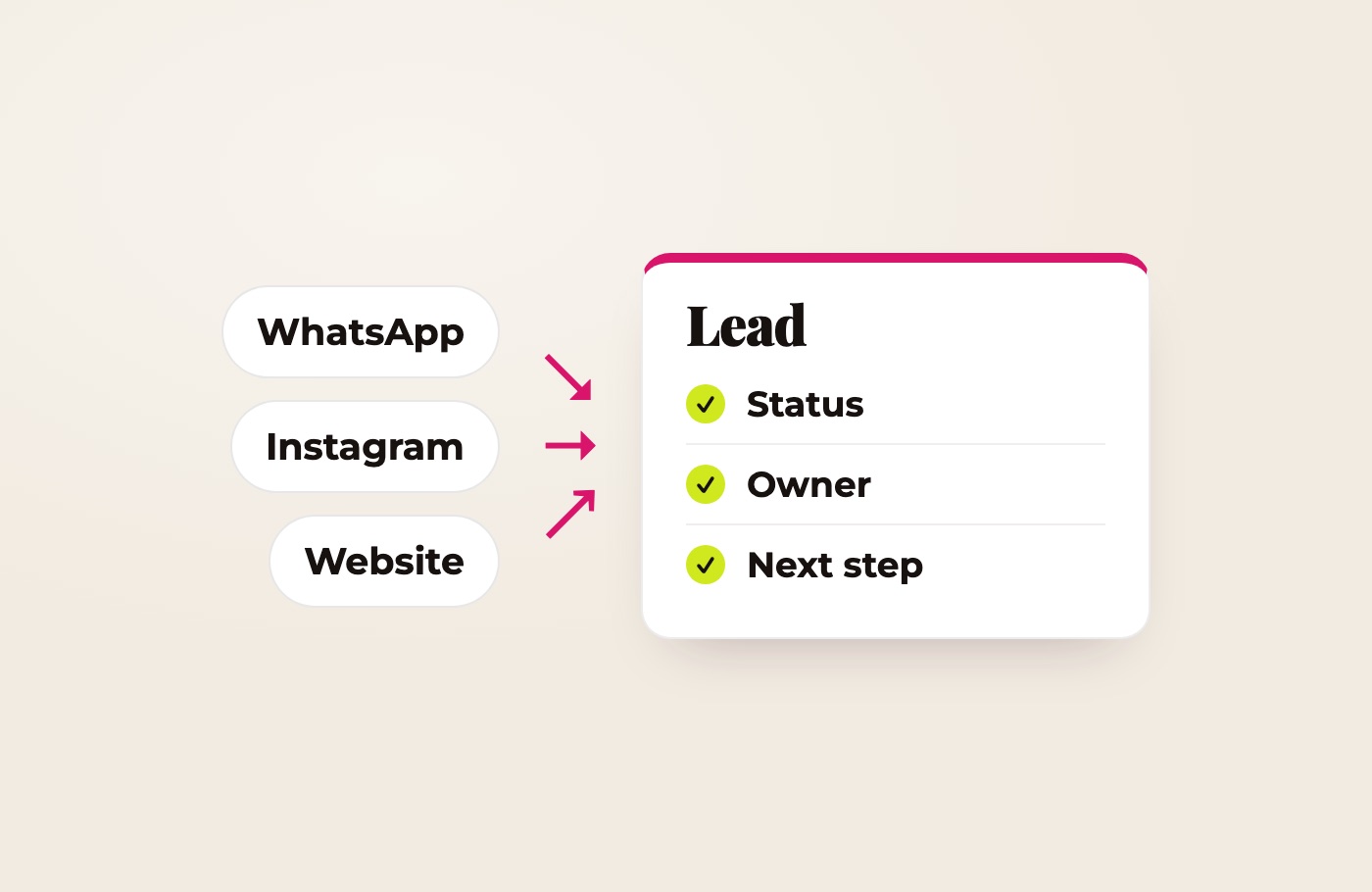
The solution starts with a simple rule: every enquiry must enter one system of record and receive a status, an owner and a dated next action.
A shared inbox helps the team see conversations. A CRM—or a well-structured spreadsheet—helps move a person from initial question to booking or purchase. These are related but different jobs.
Where enquiries disappear
A conversation stays on one person’s phone
A client messages a team member on WhatsApp while that person is busy, ill or away. Nobody else can see the conversation or knows a response is due.
The notification is opened, but no lead is created
An Instagram message is easy to read between other tasks and mentally postpone. Once opened, the notification no longer acts as a reminder, and there is no separate queue of unprocessed enquiries.
A website form only sends an email
The message can enter spam, reach an old address or disappear among routine notifications. A successful form submission does not automatically mean the lead has entered a managed process.
Someone replies, but no next step is assigned
A team member sends the price, the client says, “I’ll think about it,” and the conversation stops. Nobody records whether to follow up in two days or who should do it.
One person appears as three contacts
The client first writes on Instagram, later submits a form with an email address and then continues on WhatsApp. Without identity matching, the team sees three separate leads rather than one customer journey.
The source is lost
The booking happens, but the business cannot tell whether the client came from an advert, article, Instagram or referral. Marketing is then judged by clicks and messages rather than customers.
Nobody clearly owns the enquiry
When “anyone can reply”, everyone may assume that somebody else will. Shared access without ownership does not create accountability.
Shared inbox and CRM: what is the difference?
| System | What it stores | The question it answers |
|---|---|---|
| Channel | Messages inside WhatsApp, Instagram or email | What did the customer say? |
| Shared inbox | Conversations from connected channels in one workspace | Which messages still need a response? |
| CRM | Contact details, source, status, owner, tasks and history | What must happen to this lead next? |
A small business does not always need a heavy CRM suite. But even a spreadsheet should contain the fields that perform the CRM function.
The minimum lead record
Most service businesses can begin with eight elements:
- name or company;
- phone, email or profile link;
- first-contact channel;
- source or campaign, when known;
- concise description of the need;
- current status;
- owner;
- next action and date.
Marketing consent should be recorded separately if the business plans promotional messaging. An enquiry or appointment is not automatically blanket permission for future campaigns.
A pipeline that a small team will actually use
Six stages are often enough:
- New — received, no substantive response yet.
- In progress — an owner is assigned and the conversation is active.
- Qualified — the need and suitable next step are understood.
- Booked or proposal sent — a meeting is scheduled or an offer has been delivered.
- Customer — payment or the defined conversion has occurred.
- Closed — declined, unsuitable or unresponsive; reason recorded.
A status should describe reality, not a manager’s impression. “Thinking” is not useful without a follow-up date.
Three practical system levels
Level 1: spreadsheet and discipline
Suitable for a solo professional or a small team with a modest enquiry flow.
The workflow:
- website forms add a row and send an alert automatically;
- WhatsApp and Instagram enquiries are recorded manually through one button or short internal form;
- each row has a status, owner and next date;
- new and overdue items are reviewed daily.
It is not the most sophisticated setup, but it is better than an expensive CRM nobody updates.
Level 2: a simple CRM
Useful when enquiry volume and channels grow, several people respond or follow-up becomes regular.
The workflow:
- a website form creates or updates a contact;
- source and UTM values are stored in dedicated properties;
- an owner is assigned;
- a next-step task is created after the response;
- the pipeline highlights leads without movement;
- unsupported channels follow a clear manual capture rule.
HubSpot, for example, supports forms on external sites, contact creation and submission notifications to owners or teams. Exact features depend on the subscription and configuration.
Level 3: shared inbox and channel integrations
Suitable for teams with a steady message volume that need to reply from a common workspace.
The system may include:
- a shared inbox;
- connected business messaging accounts;
- automatic contact or deal creation;
- assignment rules;
- approved reply templates;
- first-response targets;
- CRM updates after a conversation;
- escalation to a specialist.
WhatsApp and Instagram connectivity depends on business account type, platform permissions, vendor support and available APIs. A personal account or standard mobile app cannot necessarily be connected to any CRM on demand.
What the working flows should look like
Website enquiry
Form → required-field validation → contact record → source → owner → notification → response task.
At the same time, the customer sees a clear confirmation: the request was received, when to expect an answer and how to reach the business urgently.
Instagram message
Direct message → shared inbox, where supported → assignment → brief need summary → status → next action.
If direct integration is unavailable, the team creates the record through a short internal form. A manual step is acceptable when it takes under a minute and is consistently performed.
WhatsApp message
WhatsApp → shared inbox or managed business account → existing-contact check → new record or history update → task → booking or proposal.
Multi-user integration may require WhatsApp Business Platform and a third-party provider. This should be verified before promising functionality or quoting the project.
Do you need Make?
Make is useful when one event must move data between products that lack a direct connection. For example:
- create a contact and notify a team member after a form submission;
- create a task when the status changes;
- update the customer record after a booking;
- pass UTM values from a form into the CRM;
- compile a daily list of leads without a next action.
If the form belongs to the CRM and the messaging channel connects natively, Make may add little value. Fewer intermediaries usually mean easier troubleshooting and maintenance.
How to preserve the lead source
Links used in advertising, email and publications can carry UTM parameters. A practical minimum is:
utm_source— referring platform;utm_medium— traffic type;utm_campaign— campaign;utm_content— specific advert or link variation.
Google notes that UTM values are case-sensitive and recommends using lowercase consistently: instagram and Instagram are reported separately. Form values need to reach the contact record before the visitor leaves the website.
When the conversation starts directly inside an app, the original source may not be available automatically. Separate links, pre-filled messages, a “How did you hear about us?” field or comparison with the advertising platform can help. Perfect attribution is not possible in every journey, and a good system acknowledges that limitation.
What to automate first
The sensible order is usually:
- Reliable capture of every new enquiry.
- Alert and owner assignment.
- Status and required next action.
- Monitoring of unanswered leads and overdue tasks.
- Source capture.
- Templates for repetitive replies.
- Only then, AI qualification or automated conversation.
AI cannot compensate for missing ownership. It simply delivers the lead to the same organisational gap faster.
Metrics worth monitoring
A useful report can remain simple:
- new enquiries by channel;
- percentage with a known source;
- time to first substantive response;
- leads without an owner;
- overdue next actions;
- enquiry-to-booking or proposal rate;
- booking/proposal-to-customer rate;
- reasons for closure.
These measures reveal the quality of the process after the click, not just advertising performance.
How I design the system
I begin with several real enquiries from each channel and trace what happened until the outcome. This exposes gaps faster than discussing an abstract “ideal CRM”.
I then:
- map channels and loss points;
- define the minimum record and pipeline;
- select an established service for the team and budget;
- connect forms and supported channels;
- automate only specific gaps;
- test a new lead, duplicate, missing data and connection failure;
- hand over operating rules and a concise guide.
If a spreadsheet is enough, I do not recommend a CRM. If the CRM connects natively, I do not add Make. AI appears only where understanding free text creates real value.
The goal is not more software—it is not losing the next customer
A good system can be simple. Its quality is measured by whether the business can answer four questions at any time: who contacted us, where they came from, who owns the response and what happens next.
Show me where enquiries arrive today, and I will design the smallest reliable workflow—explaining required connections, recurring costs and which steps can remain manual before implementation begins.